Stop using Window Capture for games! Use VKCapture!
Using Window Capture on Linux using Wayland is annoying. I found an alternative: VKCapture!
After three years using Linux, I started experimenting with using Wayland instead of X11 as the display system. I found that the experience using wayland on KDE Plasma was a lot smoother and less buggy when compared to X11. Everything I did on X11 worked perfectly, except for one dealbreaker: Window Capturing.
My scenes in OBS Studio were not too complex, but they had a lot of desktop capturing and window captures, the latter being used mainly for recording a windowed game (Mega Man Maker). Desktop capturing worked fine, only requiring a one time confirmation of which screen to capture, but window capture was the sole reason of deciding to stick with X11 for a while. I was using Fedora KDE with the OBS Studio Flatpak, and each one of my many window captures required me to tell the portal which specific window I wanted to capture. Each time I loaded OBS. And if the window was not opened before OBS, I would have to close each of these confirmation windows and then choose one by one the correct windows for each capture. Again, each time I opened OBS. 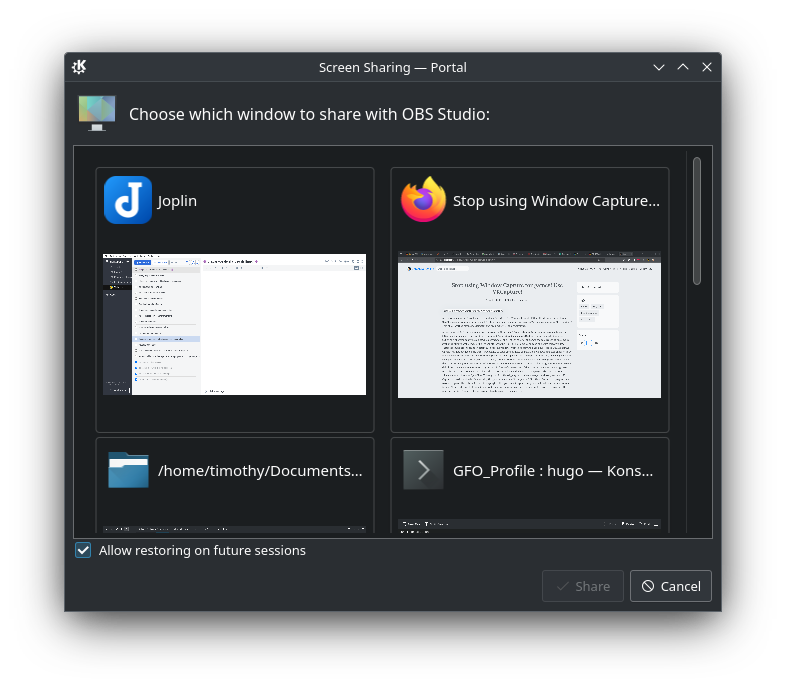
I thought this was really annoying, but I was willing to do this little dance if it did work as good as before. My OBS setup is like this: I have a windowed game (Mega Man Maker), which I then capture using window capture, and another two additional window captures for other programs. 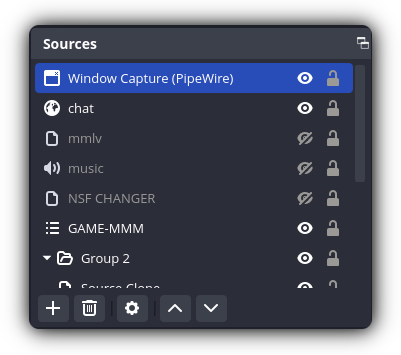
There is an OBS plugin called VKCapture that allows you to capture any OpenGL or Vulkan game directly, skipping the window manager. And to my surprise VK Capture worked seamlessly when resizing the game window. And it is supported directly on Bottles, the program I use to run the game. 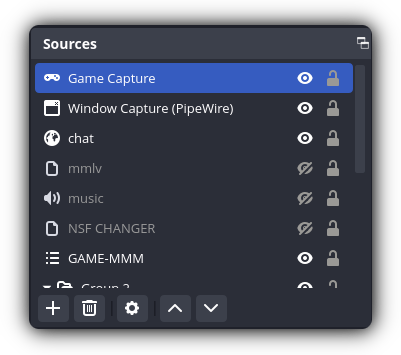
The only limitation of this plugin is that you cannot capture programs, but that wasn’t a deal breaker for me. At the end I now just use VK Capture to capture the game, and desktop capture to record the programs.
The moral of the story is: stop using window capture to record a game on Linux. Use VKCapture!